
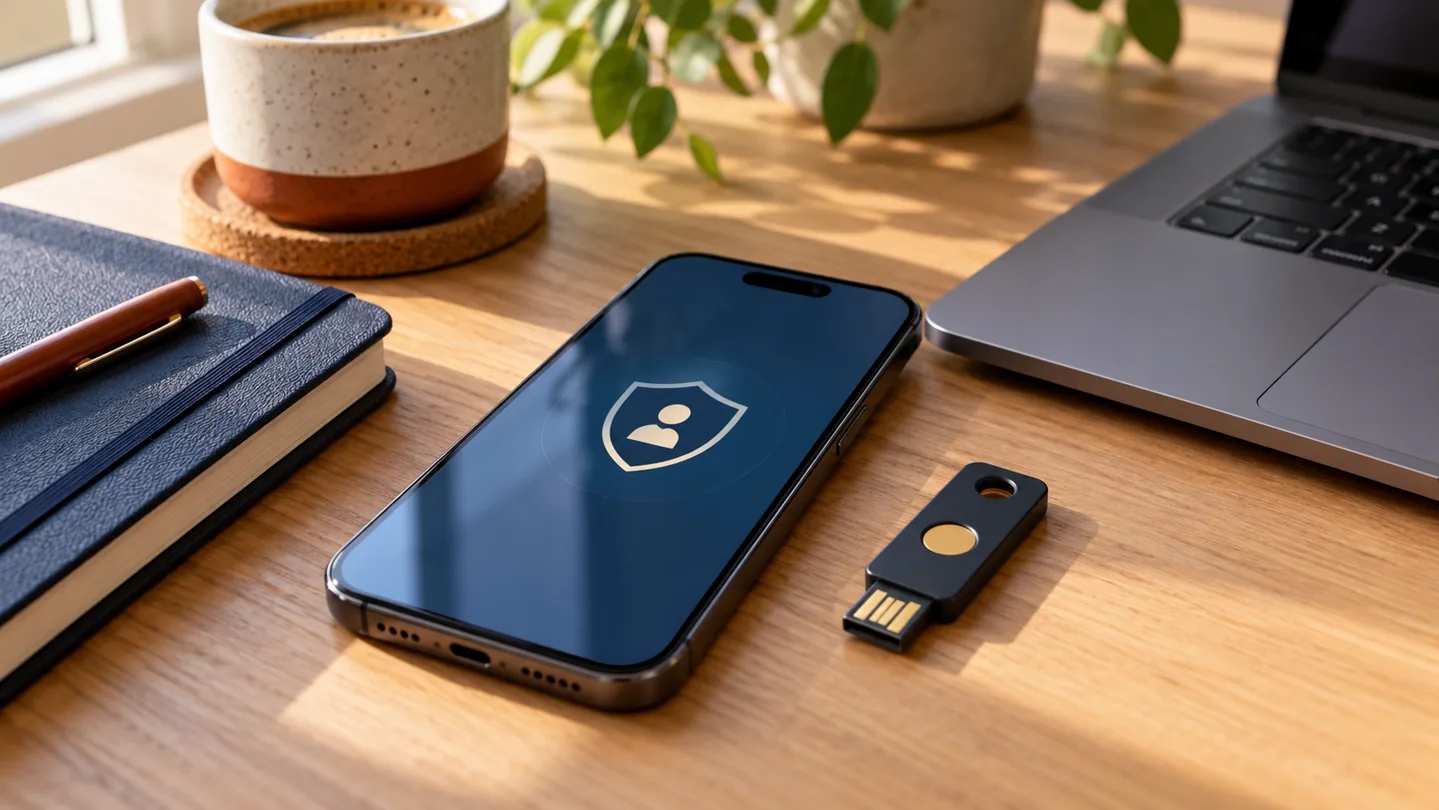
Your email holds more than messages. It is often where password reset links arrive for shopping, social media and other services. That makes it a useful place to start when you want to improve your online security.
You do not have to fix every account in one afternoon. Choose your main email account, set aside a little time, and work through these steps.
1. Give each account its own password
Using the same password everywhere is convenient until one website loses it. Someone who gets that password may try it on other services.
A password manager can create and remember different passwords for you. You then protect the manager itself with a strong, unique main password and an extra sign-in check. If you prefer a memorable passphrase, avoid names, birthdays and well-known sayings.
2. Turn on an extra sign-in check
Look in your account settings for “security”, “two-step verification” or “multi-factor authentication”. These names describe an extra check when you sign in, such as approval in an app or a code.
Where a service offers passkeys, consider using one. A passkey can let you sign in using a device you already trust, often unlocked with a fingerprint, face scan or device PIN. Follow that service’s setup instructions and check how account recovery works.
3. Make sure you can get back in
Check that your recovery phone number and email address are current. If the service gives you recovery codes, store them somewhere safe that you can reach even if your phone is lost.
Before replacing a phone, check whether your authenticator app, passkeys and recovery options will move across. Do this while the old phone still works.
4. Give updates a regular spot in your week
Phone and computer updates often fix security problems. Allow automatic updates where practical, keep the device plugged in when needed, and restart it when asked.
Your next ten minutes
- Open your email provider’s app or website directly.
- Check its password and extra sign-in options.
- Review recovery details and save any recovery codes.
- Choose one other important account to check next.
If the menus feel confusing, stop before removing an existing recovery method. We can help you understand the choices at your place, without rushing you.
Sources & further reading
Sources checked on 28 October 2026. This article is written by LyrebirdTech in plain English. Links below are optional background reading.