
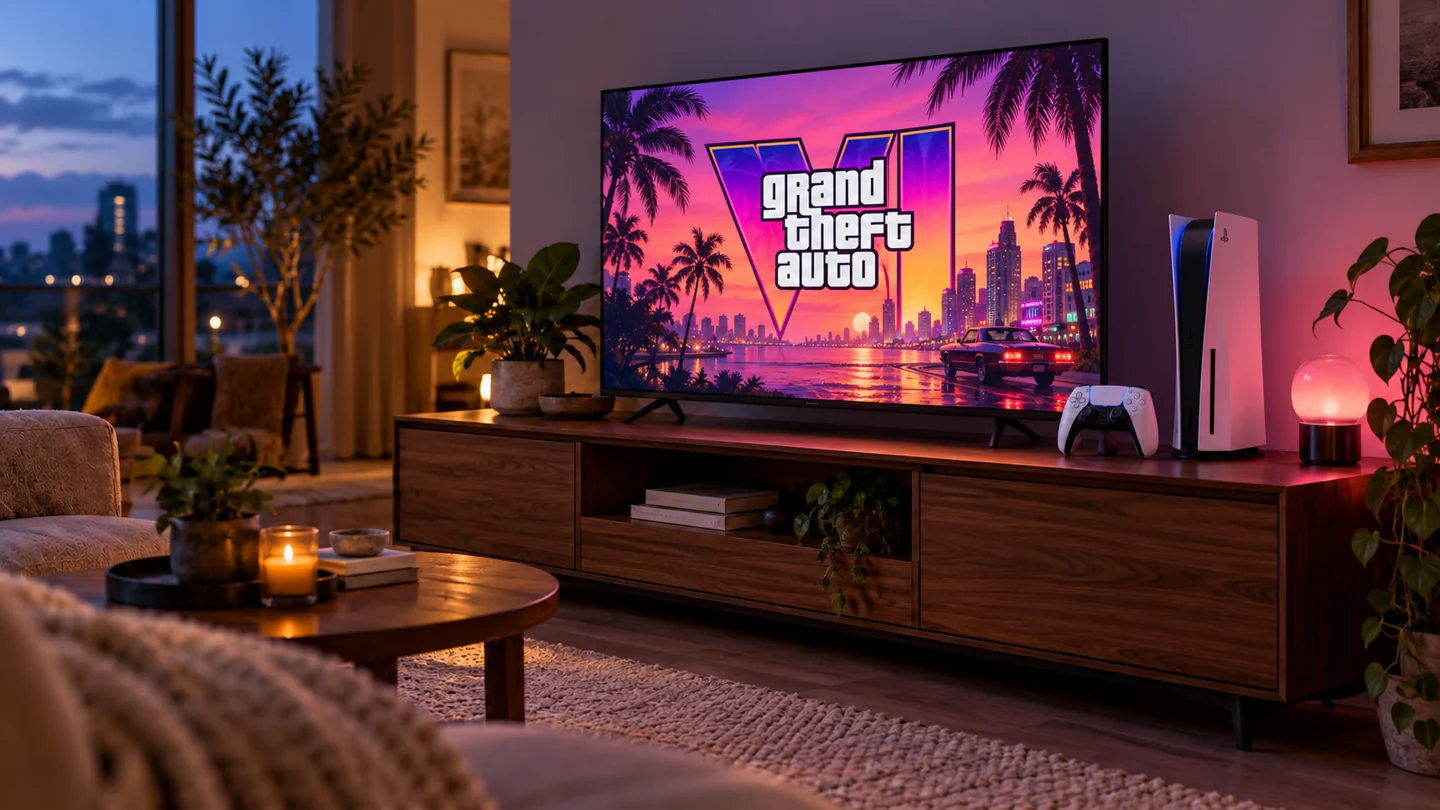
There is something special about a game night you have been waiting years for. The controller is charged, the snacks are ready, and your biggest decision should be where to explore first.
Rockstar has announced 19 November 2026 for GTA VI on PlayStation 5 and Xbox Series X|S. That is the confirmed date we are working towards. Keep an eye on official announcements for changes and the launch details for your platform.
Our advice? Give your setup a rehearsal before the big night. You do not need a new television or a desk full of equipment. Start with the gear you own.
Make room before the download
Open your console’s storage settings and see what is using the space. Remove games you no longer play using the console’s normal menus. Read any prompts carefully so you understand what happens to saved progress.
Check the official store listing for current storage requirements. Leave enough time for the download, as the game requirements and your internet connection will affect how long it takes.
Give your connection a practice run
Run the connection test built into your console. Then try a game you already own. If downloads are unusually slow, check whether someone else is downloading large files or streaming at the same time.
If it is practical, try an existing Ethernet connection (a network cable) between your console and router. If you use Wi-Fi, keep the router in an open position and see whether the signal improves nearer the console. Avoid making lots of changes at once. Test one change so you know whether it helped.
Make the picture and sound feel right
Use a familiar game to check your television’s game mode, brightness and volume. Try the headset you plan to use and make sure voices are easy to hear. If you record or stream, make a short test recording and play it back.
A successful test today does not guarantee how a new game or its online services will behave at launch. It does help you find a loose cable, flat controller or muted microphone while there is still time to sort it out.
Stick to official downloads
Use your console’s official store or Rockstar’s own links. Be cautious about messages offering early access, unofficial PC downloads or a special link to skip the wait. Do not hand over your account details to an unfamiliar site.
Less setup. More Vice City.
Want another pair of hands? LyrebirdTech can check compatible consoles, displays, Wi-Fi and streaming equipment at your place. Tell us what you own and we will agree on the work and price before starting.
Independent setup advice from LyrebirdTech. No affiliation with Rockstar Games or Take-Two Interactive. Release details can change. This article does not promise game performance, server availability or GTA VI PC compatibility. The cover shows a gaming setup, not footage from GTA VI.
Sources & further reading
Sources checked on 28 October 2026. This article is written by LyrebirdTech in plain English. Links below are optional background reading.