
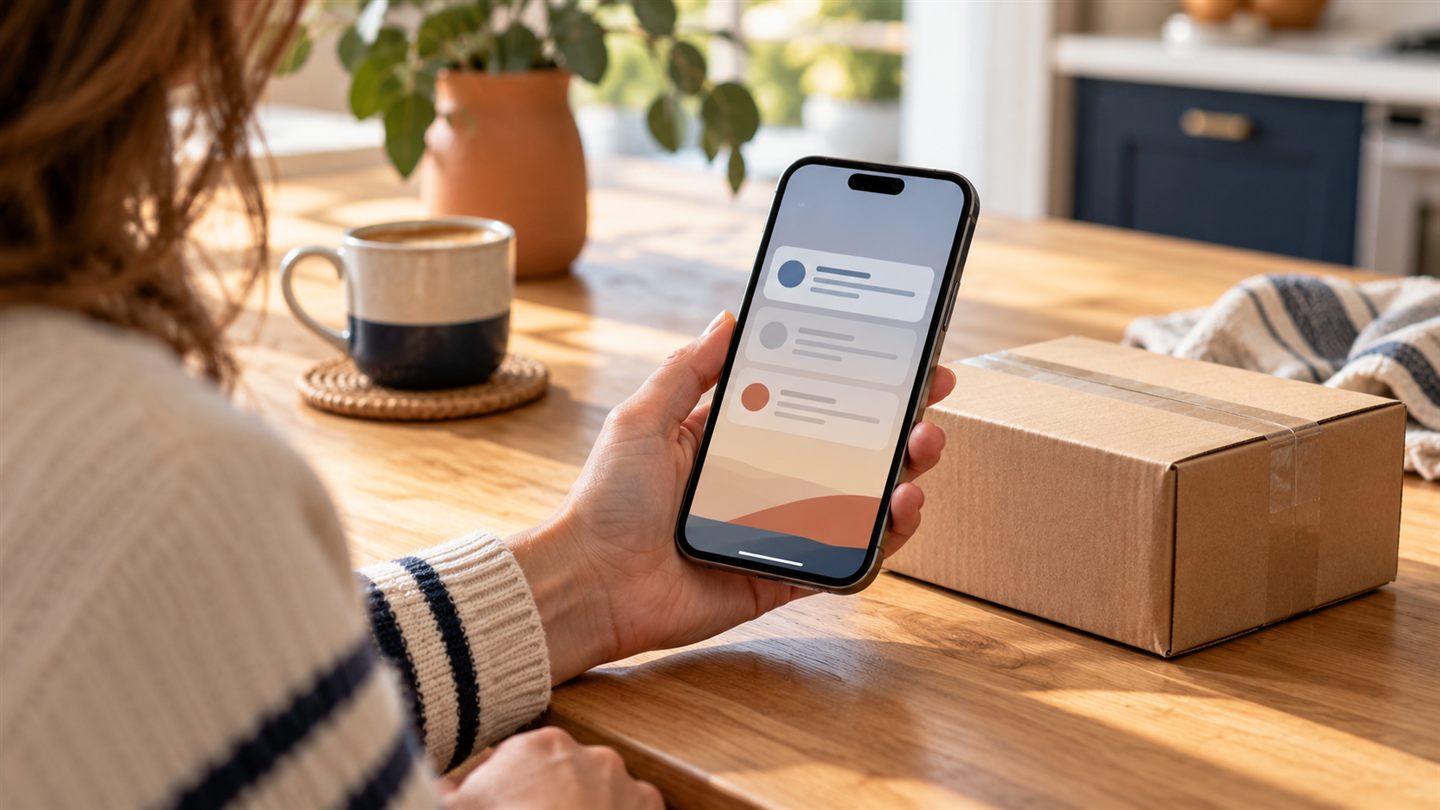
You have ordered something online. Your phone buzzes. There is a problem with the delivery, apparently, and a small payment will sort it out.
It sounds ordinary enough, especially when you really are waiting for a parcel. That is what makes this trick work. You do not need to be careless to get caught at a busy moment.
Leave the message and check another way
Instead of following the link, open the delivery company's app yourself. Or type its known website address into your browser. Check the tracking details there, using the order confirmation you already have.
If something still looks wrong, contact the company through that app or website. Avoid calling a number supplied in the suspicious text. A separate check is much more useful than trying to judge whether the message looks professional.
Why the message can look so believable
A familiar business name, your first name or a tidy-looking page can make a message feel safe. None of those things is proof that the sender is genuine. Scamwatch warns that fake texts often create urgency around payments, deliveries or account problems.
Watch for the nudge to hurry: pay now, fix your address, or lose the parcel. You are allowed to stop and check, even when the message says otherwise.
A useful change to your delivery notifications
Australia Post recommends using delivery updates inside the AusPost app. In the app, open Account, then Notification Preferences to turn on push notifications. These are alerts sent by the app.
You can also review SMS delivery notifications in your MyPost account. If an unexpected text claims to be Australia Post, check the parcel in the app rather than replying or opening its link. Be especially cautious if the sender is marked “Unverified”.
Already opened it? Take the next step calmly
Opening a link and entering your card details are different situations. Think about what happened: did you only view a page, enter a password, provide payment information, or install something?
If you supplied card details or sent money, contact your bank straight away through its official app or the number on your card. If you entered a password, change it through the real service and check any other account that used the same one. Scamwatch has a recovery checklist linked below.
There is no prize for handling a worrying message alone. Ask someone you trust to look with you. We can help you check device settings and understand what to do next, without making you feel silly for asking.
Sources & further reading
Sources checked on 30 October 2026. This article is written by LyrebirdTech in plain English. Links below are optional background reading.